Why MEC first
The fastest route through early motor design
You do not need to reach for a finite-element solver — hard to learn and slow per case — at the start of motor design. Magnetic equivalent circuits and empirical relations, with AI on top, mean that stating the target specification is enough to find a strong design candidate quickly.
MEC and empirical relations compute a candidate in seconds, so a wide design space can be explored without FEA.
The AI does not merely suggest — it changes real design parameters and runs the solver through the same path a person would.
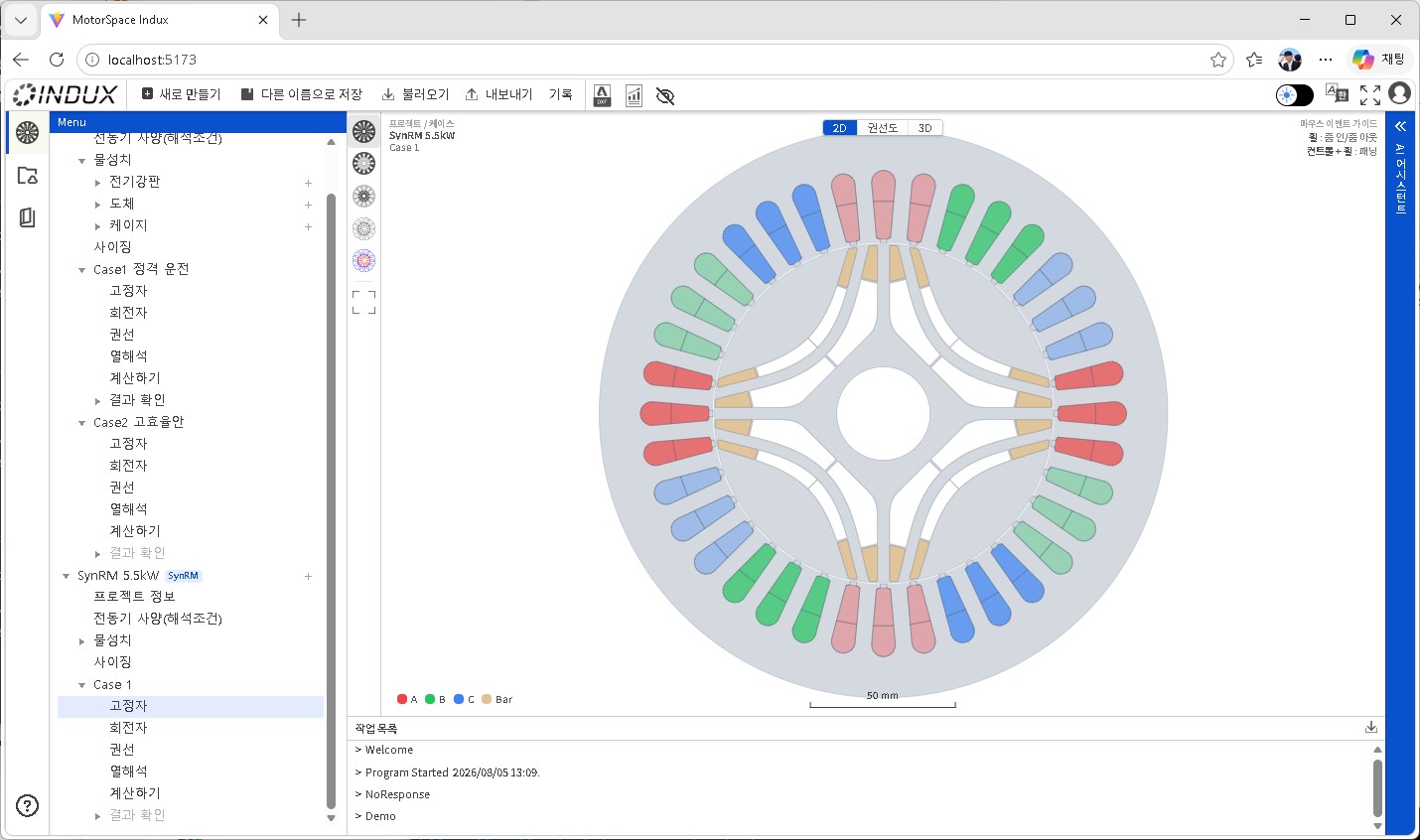
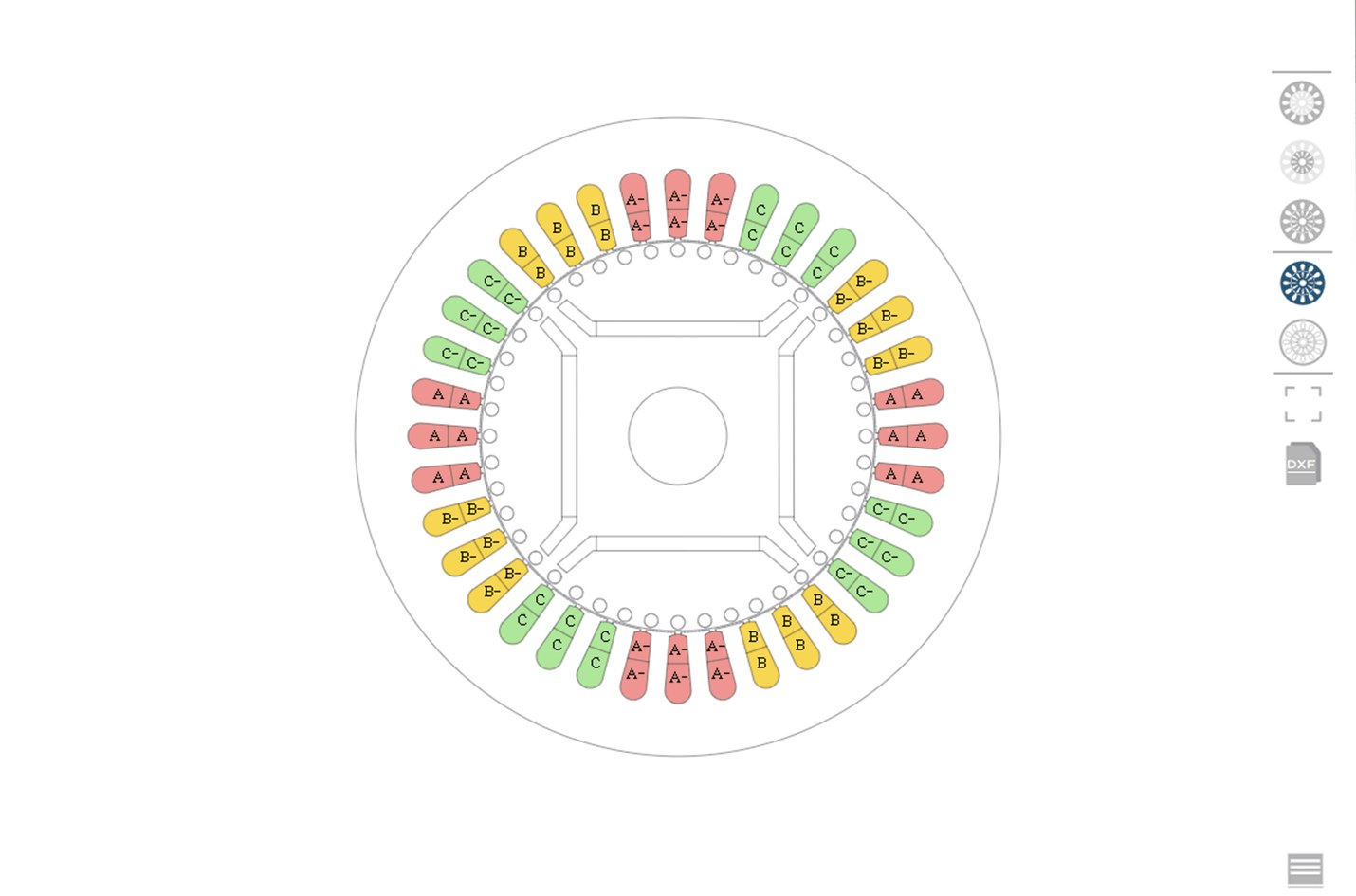
From sizing through DXF drawings to FEM-ready STEP, without shuttling files between tools.
Built on theory and empirical relations accumulated at KERI and KETI, and measured material data provided by KITECH.
Ask in plain language
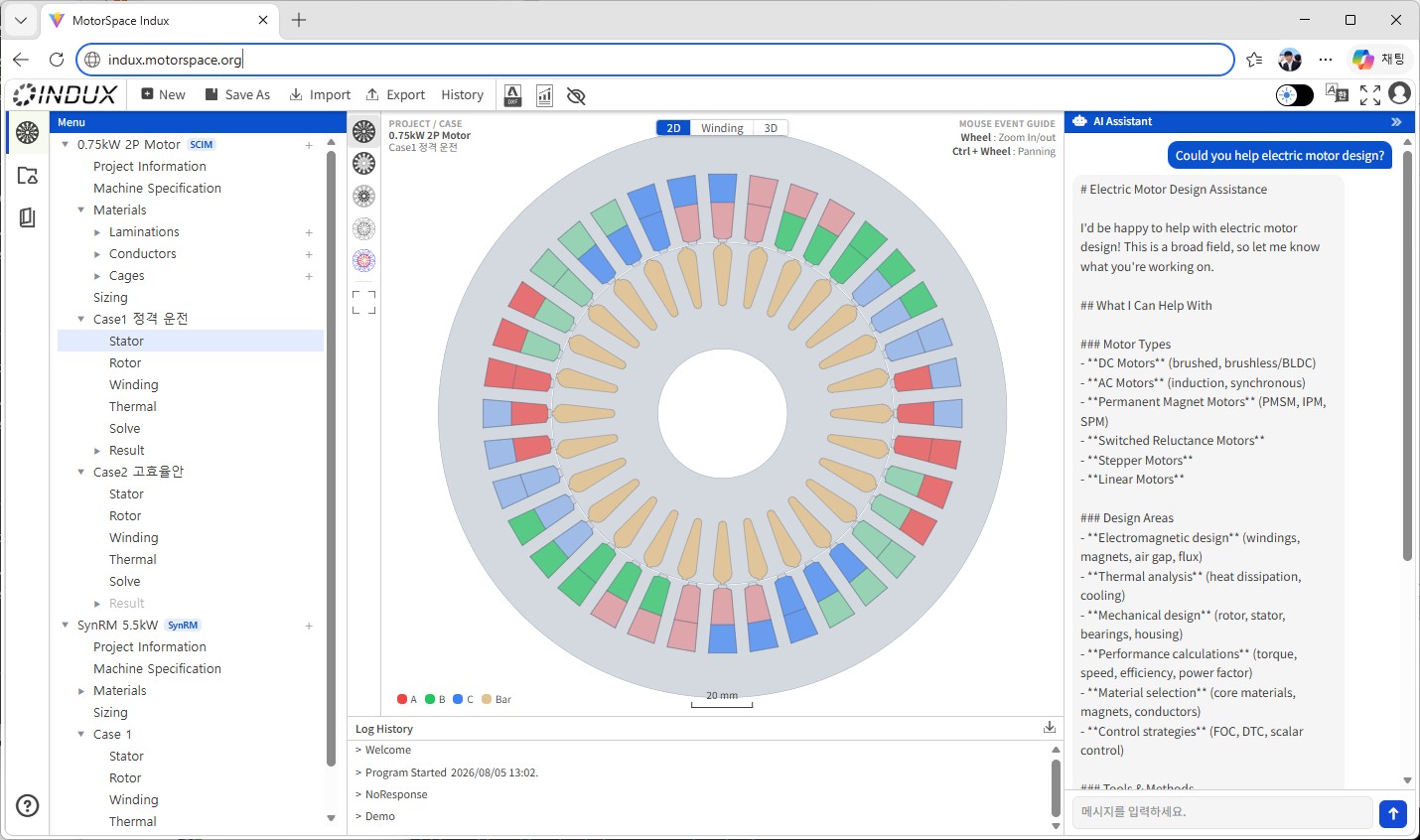
Ask, and the values and results on screen change with it
This is not a chat window parked beside the UI. The AI changes design parameters and runs computation through the same path a person uses in the tree menu. Changes inside the session can always be undone; only saving to the project file requires human approval.
User
increase the stator slot count to 36 and recompute
AI
Slot count changed from 24 to 36 and recomputed.
- Efficiency: 91.2% → 92.7% (+1.5%p)
- Power factor: 0.83 → 0.81 (-0.02)
Save this change to the project?
User
yes, save it
AI
[Awaiting approval] Save to the project file? [Approve] [Cancel]
Beyond the in-app chat panel, standard MCP clients such as Claude Desktop and Claude Code can connect directly to the session.
Why MEC
What makes MEC right for this stage
| Criterion | MEC + empirical + AI | Finite element analysis (FEA) |
|---|---|---|
| Time per case | Seconds | Minutes to tens of minutes |
| Learning curve | Gentle — centred on entering specifications | Steep — meshing, boundary conditions, solver options |
| Where it fits | Early sizing, comparing candidates | Detailed verification, finalising the design |
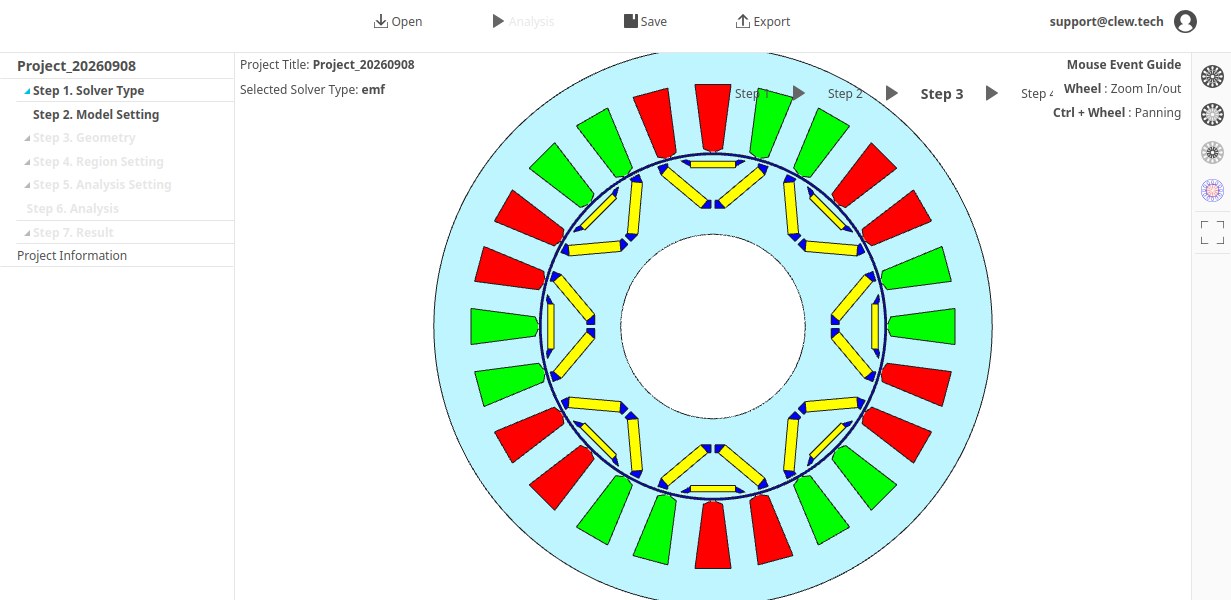
| Role in the Indux family | Indux MEC | Indux LFX (picks up the STEP handover) |
Indux MEC does not replace FEA. Once a design is settled, the consistent geometry is handed over as STEP, removing the pre-processing time on the Indux LFX side.
Workflow
From specification to drawing
- 01 Create the project — shared information such as materials and operating points
- 02 Create a case — choose the machine type (SCIM / LSPM / SynRM / IPMSM)
- 03 Enter machine spec, winding, conductor, stator and rotor — by form or by asking the AI
- 04 Run Solve — nonlinear computation shows progress and notifies on completion
- 05 Check results — efficiency, power factor and torque curves, and the 3D section
- 06 Duplicate and iterate until a suitable candidate emerges (cut and try)
- 07 Export drawings — DXF for manufacturing or STEP for FEM pre-processing
FAQ
Frequently asked questions
What if the AI assistant breaks the design by mistake?
Changes the AI makes inside a session — adjusting settings, running computation — can always be undone. Only the moment it is written permanently to the project file requires human approval.
How does this relate to IMCA, the induction-motor-only program?
IMCA continues to be available as an induction-motor-specific program. Indux MEC is the result of consolidating the separate magnetic-equivalent-circuit design and analysis tools, previously provided per machine type, into one application.
How much can the accuracy be trusted?
It is based on empirical relations accumulated through joint development with KERI and KETI, and measured material data from KITECH, targeting practical accuracy at the early design stage. Final verification with FEM analysis such as Indux LFX is still recommended.
Can it be used without an internet connection?
The desktop application runs locally; only the AI features need to be online. Design, computation and drawing export all work offline without AI.